A single number on the wall controller does not tell the entire story. Restaurant managers must also consider independent air readings, actual product temperatures, recent deliveries, door traffic and the direction in which temperatures are moving.
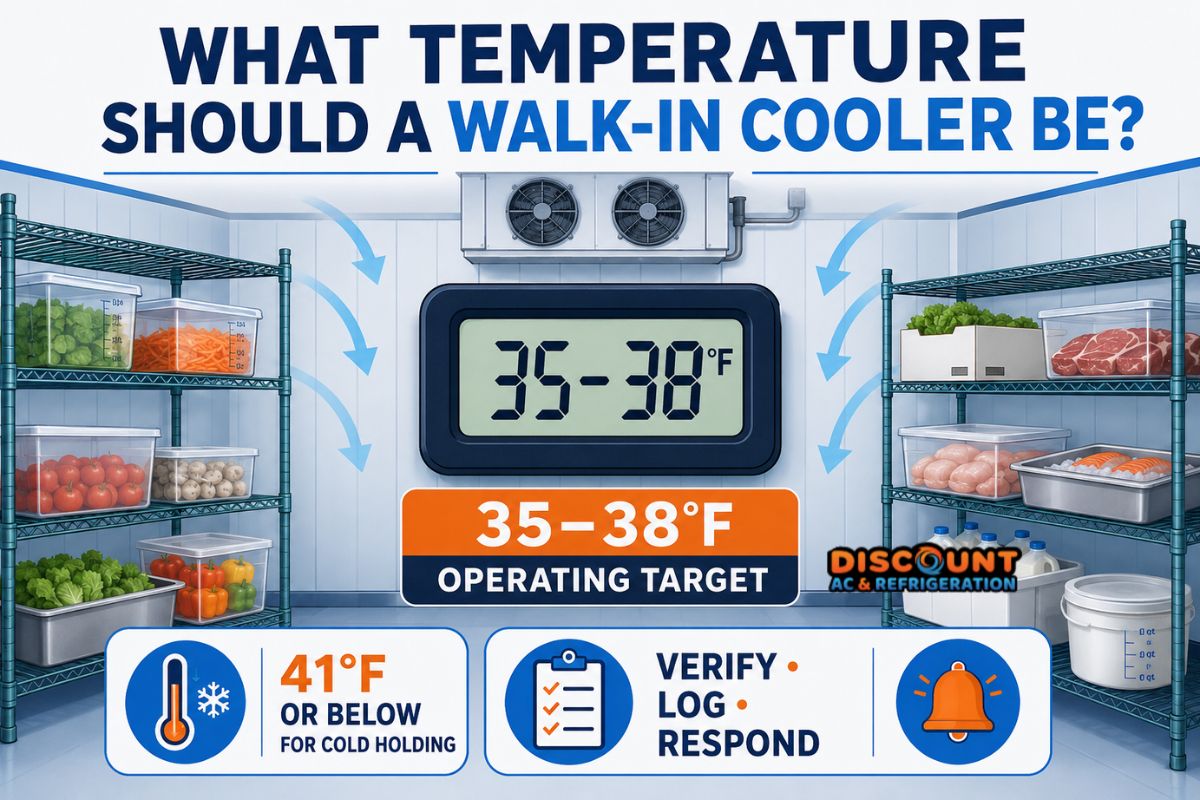
Short answer: Many walk-in coolers are managed around 35–38°F. Cold-held Time/Temperature Control for Safety foods generally need to remain at 41°F or below under the FDA Food Code, while FDA and USDA consumer guidance uses 40°F or below for refrigeration. Always follow the requirements adopted by your local authority and your establishment’s food-safety plan.
Walk-In Cooler Operating Target vs. Food-Safety Limit
The operating setpoint and the maximum permitted product temperature are not necessarily the same measurement. A cooler needs an operating cushion because its air temperature changes during normal cycles, door openings and loading.
| Temperature reference | Typical interpretation | Recommended response |
|---|---|---|
| 35–38°F | Common operating target for many food-service walk-in coolers. | Continue logging and verify that product temperatures remain compliant. |
| 39–40°F | Limited operating margin. It may be temporary after loading or heavy door traffic. | Recheck the trend, door condition, airflow and product readings. |
| 41°F or higher | Cold-held TCS food may be outside the FDA Food Code cold-holding limit. | Follow the establishment’s food-safety plan and notify the responsible manager. |
| Near 32°F or below | Some foods may begin freezing, especially near the evaporator discharge. | Check product location and compare controller, air and product readings. |
The FDA Food Code is a model code that jurisdictions may adopt or modify. It should not replace the procedures established by your local health authority, HACCP plan or food-safety manager.
Why the Controller and Product May Show Different Temperatures
Walk-in cooler temperatures are measured in several ways. Each instrument answers a different question, so small differences do not automatically indicate a failed refrigeration system.
1. Controller or thermostat reading
The controller displays the temperature detected by its sensor. That sensor may be installed near the return air, supply air or another selected point. Its location affects how quickly it responds to a door opening, refrigeration cycle or warm delivery.
2. Independent air thermometer
An independent thermometer measures the air at its location. A thermometer beside the door may register warmer than one near the evaporator. For useful comparisons, keep the verification thermometer in a consistent location at shelf height and away from direct discharge air.
3. Product temperature
A calibrated food thermometer measures the product itself or, depending on the procedure, a representative sample. Product temperature changes more slowly than air temperature because food has thermal mass. This is why a brief rise in air temperature does not prove that every product has exceeded its required limit.
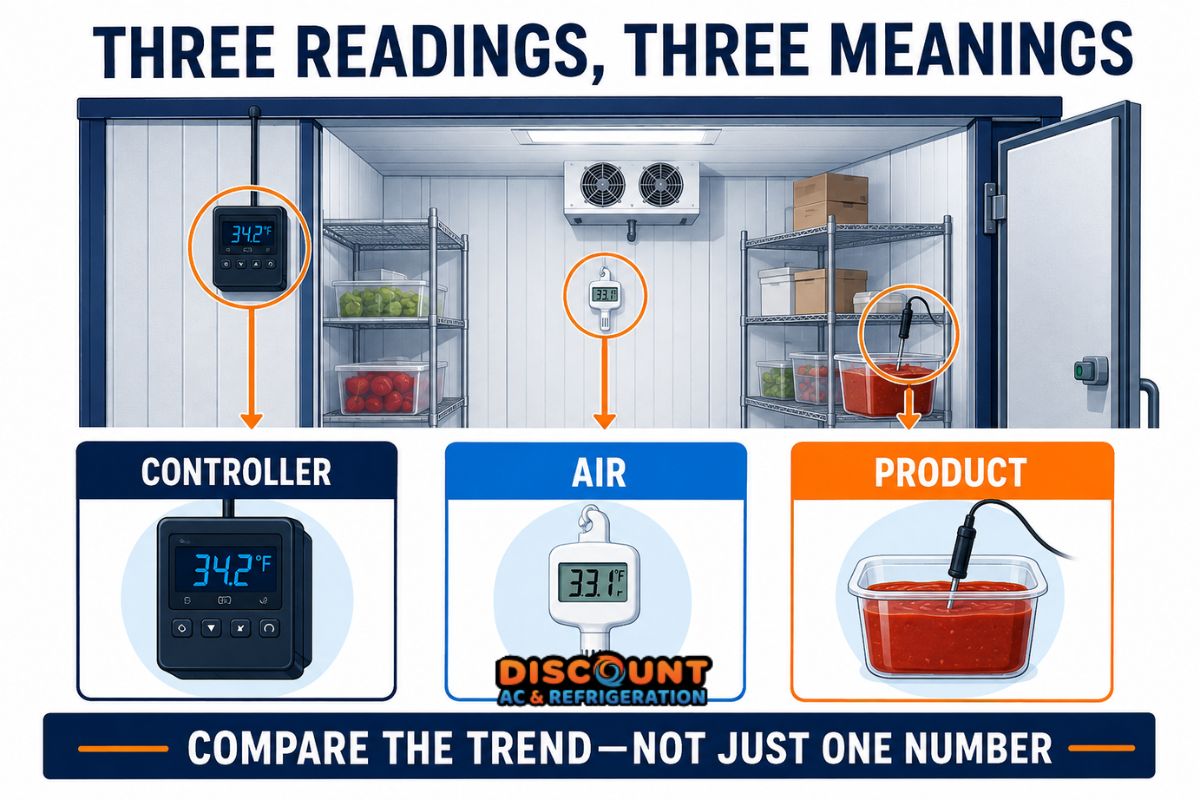
Logging rule: Record which instrument was used and where the reading was taken. A log that mixes controller, doorway-air and product readings without labels can create a false temperature trend.
How to Create a Useful Walk-In Cooler Temperature Log
A written or digital temperature log helps employees recognize gradual drift before it becomes an obvious warm-cooler complaint. The goal is consistency, not merely collecting numbers.
A practical log should include:
- Date and exact time of the reading.
- Controller temperature.
- Independent air temperature and thermometer location.
- Product temperature when required by the operation’s procedure.
- Recent loading, delivery or unusual door activity.
- Corrective action taken and the employee’s initials.
- Follow-up reading after the approved waiting period.
Many operations check temperatures at opening, during a busy service period and before closing. The correct frequency must follow the business’s food-safety plan and regulatory requirements. The important point is to take readings under repeatable conditions.
Consistent logging can also support commercial refrigeration maintenance. A technician can compare the reported drift with system cycling, airflow, sensor placement and refrigeration performance.
How Loading Affects Walk-In Cooler Temperature
New inventory can add a large heat load. The effect depends on how much product entered the cooler and its starting temperature.
Pre-chilled beverages may cause only a small change. Warm pans, closely packed cases or a large delivery can raise air temperature and extend system runtime. A walk-in cooler is intended primarily to maintain cold products; it should not be treated as a substitute for an approved rapid-cooling process.
After loading:
- Keep boxes and containers clear of the evaporator discharge and return airflow.
- Maintain space between products so cold air can circulate.
- Avoid stacking inventory against walls if it blocks airflow.
- Record the delivery or loading event in the temperature log.
- Follow the approved cooling and cold-holding procedures for the products involved.
If temperature recovery becomes slower after ordinary deliveries, the system may need inspection. Discount AC & Refrigeration provides dedicated walk-in cooler and freezer service for Phoenix-area food-service businesses.
Door Traffic and Temperature Fluctuation
Every door opening allows cold air to escape and warm, humid air to enter. During a lunch or dinner rush, repeated openings can make the air reading rise even when the refrigeration system is operating.
Normal door-related changes should begin stabilizing after traffic decreases. Continuing drift deserves attention, especially when employees also notice:
- A door that does not close or latch completely.
- Torn, loose or hardened door gaskets.
- Condensation or frost around the doorway.
- Boxes preventing the door from closing.
- A damaged closer, hinge or sweep.
- Air curtains or strip curtains that are missing or damaged.
Employees can safely document these visible conditions without removing panels or touching electrical and refrigeration components.
When Is Temperature Drift a Service Issue?
A single reading taken immediately after a delivery may not identify a mechanical fault. A repeated upward pattern under comparable conditions is more significant.
Arrange professional evaluation when:
- The temperature continues rising after door traffic and loading have ended.
- The cooler repeatedly fails to recover to its usual range.
- Independent readings confirm that the controller is inaccurate.
- Different areas of the cooler show persistent hot spots.
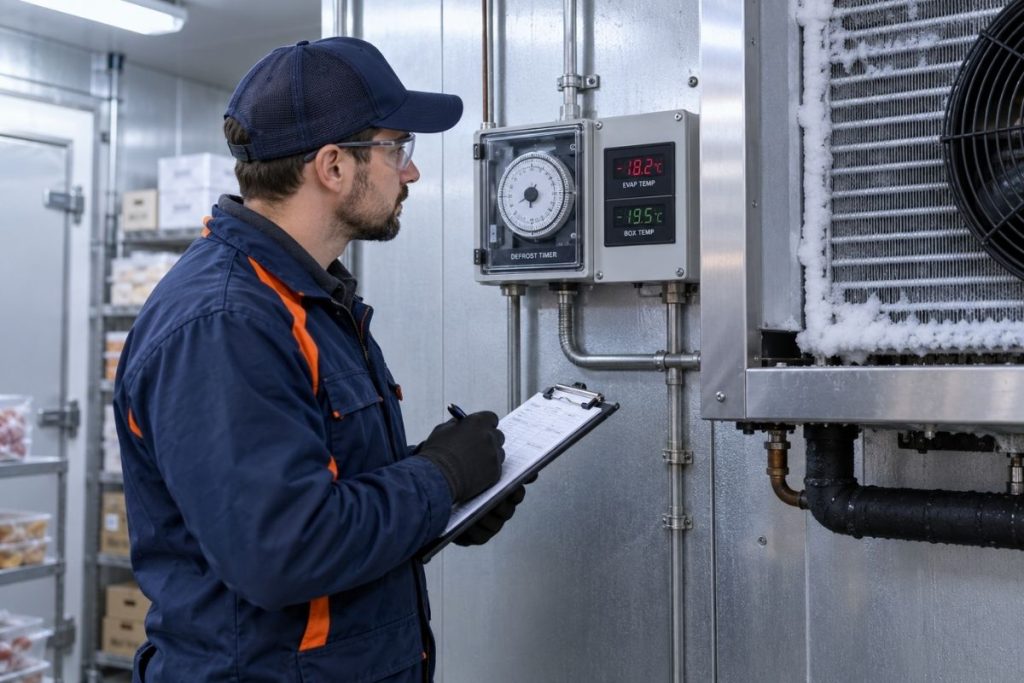
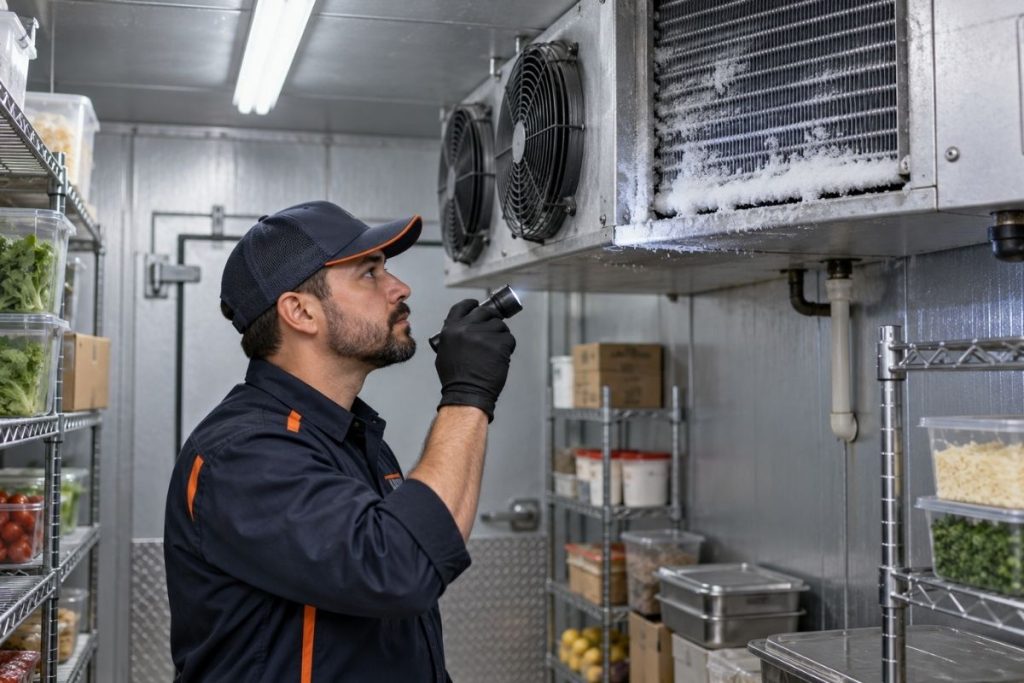
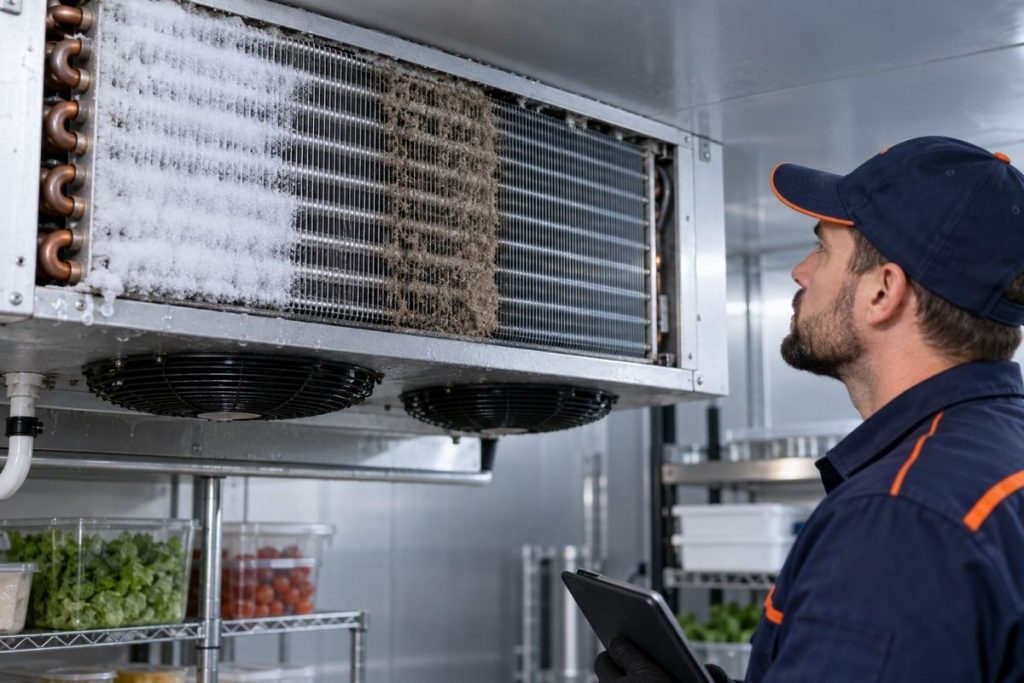
- The evaporator has unusual frost or ice accumulation.
- Fans stop, cycle irregularly or make a new noise.
- The refrigeration system runs continuously without stabilizing temperature.
- Water, an oily residue, a burning odor or damaged wiring is visible.
- Product temperatures are approaching or exceeding the operation’s approved limit.
Common causes can include obstructed airflow, a damaged door seal, dirty heat-transfer surfaces, sensor error, control problems, evaporator icing, fan issues, refrigerant circuit faults or a system that is struggling with the current load. Diagnosis should be based on testing—not assumptions from one symptom.
Businesses experiencing persistent drift can request commercial refrigeration diagnostics or review the company’s guide to walk-in cooler repair in Phoenix.
Stop troubleshooting and escalate the issue if there is a burning smell, smoke, exposed wiring, sparking, heavy ice near moving components, leaking fluid or another condition that could endanger employees. Keep staff away from the affected equipment and follow the facility’s emergency and food-safety procedures.
What Employees Can Safely Check
Food-service employees can collect helpful information without opening equipment panels or attempting repairs:
- Confirm that the door is fully closed.
- Look for inventory blocking the evaporator or air path.
- Check for visibly damaged gaskets or hinges.
- Compare the controller with a known independent thermometer.
- Record the time, location and type of each reading.
- Document recent deliveries and unusual door traffic.
- Observe frost, water, new noises or unusual odors from a safe distance.
Do not bypass controls, chip ice from the evaporator, handle wiring or add refrigerant. These actions can damage equipment, create safety risks and make the original failure harder to diagnose.
Temperature Management in Phoenix and Queen Creek
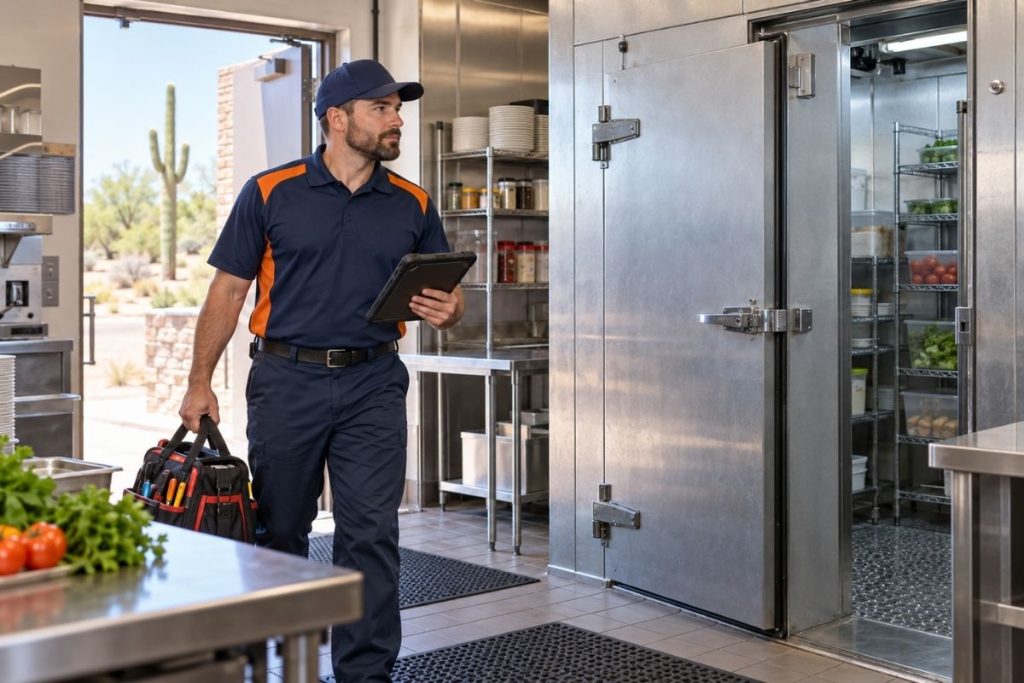
Phoenix-area commercial refrigeration operates under demanding conditions. Outdoor temperatures can reach 110–115°F, while dust can accumulate on heat-rejection surfaces and increase the load on the equipment. Kitchens, delivery activity and hot outdoor air entering through frequently opened doors add further strain.
A properly selected and maintained cooler should still hold the required range, but Arizona conditions make trends especially valuable. A gradual increase in recovery time may appear in the log before employees notice warmer products.
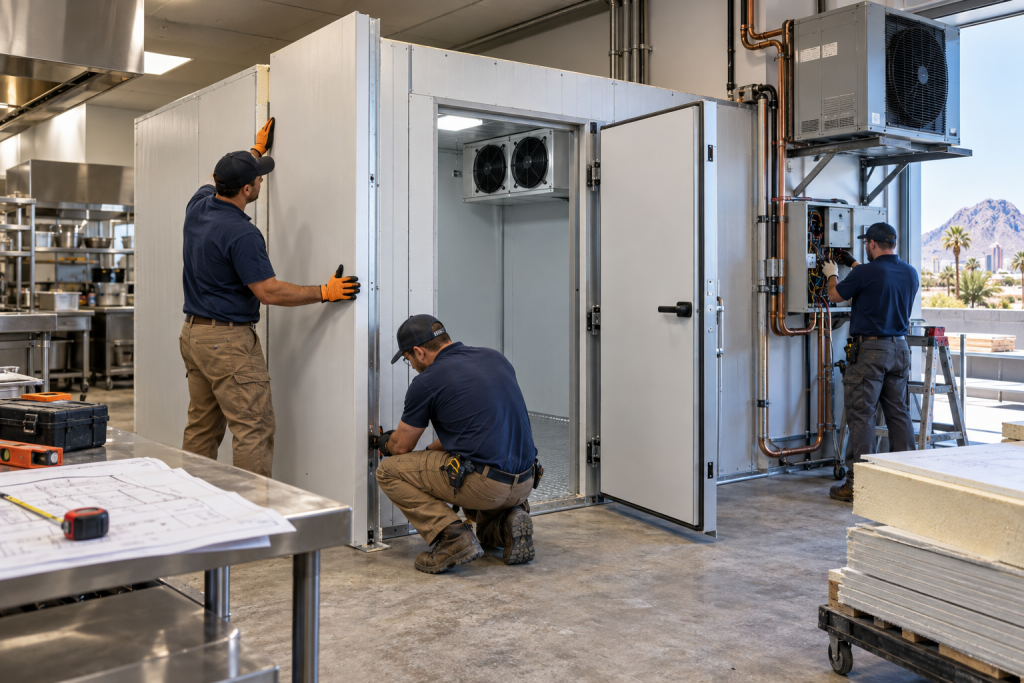
Local businesses can review restaurant refrigeration maintenance practices for Mesa, learn about commercial refrigeration installation in Phoenix or explore service availability near the company’s Queen Creek base through its Gilbert service-area page.
Frequently Asked Questions
What temperature should a walk in cooler be set at?
Many food-service walk-in coolers use an operating target around 35–38°F. The appropriate setting depends on system design, stored products, sensor location and the establishment’s approved food-safety procedures.
Is 40°F acceptable for a walk-in cooler?
A 40°F air reading may remain within applicable refrigeration guidance, but it provides little working margin. Verify product temperatures and watch whether the reading is stable, recovering or continuing to rise.
Is 41°F safe for cold-held food?
The FDA Food Code generally establishes 41°F or below for cold-held TCS food. Local rules and an establishment’s food-safety plan may impose additional requirements, so employees should follow the procedures approved for their operation.
Why does the cooler thermometer differ from the controller?
The instruments may be in different locations and respond at different speeds. Supply air, return air, doorway air and product temperatures are related but are not interchangeable readings.
How often should walk-in cooler temperatures be logged?
Follow the frequency required by the business’s food-safety plan and local regulations. Checks should occur consistently enough to identify drift and document corrective action when a reading falls outside the approved range.
Why does the temperature rise after a delivery?
Door openings admit warm air, while incoming products can add heat to the space. Record the delivery and monitor recovery. Repeatedly slow or incomplete recovery may warrant professional inspection.
Can an overloaded walk-in cooler run too warm?
Yes. Closely packed cases can obstruct airflow, and a large amount of warmer product can increase the cooling load. Keep evaporator discharge and return-air paths clear.
When should a restaurant call for walk-in cooler service?
Request service when temperatures continue drifting upward, recovery takes longer than usual, readings remain inconsistent, ice accumulates abnormally or the system runs continuously without returning to its normal range.
Protecting Temperature Stability
The answer to “what temperature should a walk in cooler be?” is not limited to a thermostat setting. A practical operating target around 35–38°F can provide useful margin, but managers must verify cold-holding requirements through consistent product and air measurements.
Accurate logs, controlled loading, clear airflow and properly closing doors help separate temporary operating changes from developing equipment problems. When drift persists, professional testing can determine whether the cause is related to controls, airflow, icing, fans, heat rejection or the refrigeration circuit.
Walk-In Cooler Temperature Drifting?
Discount AC & Refrigeration serves restaurants and commercial facilities throughout Queen Creek, Gilbert, Mesa, Chandler, Tempe and the Phoenix Metro area. Licensed HVAC and refrigeration technicians—ROC 361623.
Call (480) 478-2616Open 6:00 AM–Midnight, seven days a week. You can also review our emergency refrigeration service or visit Discount AC & Refrigeration.
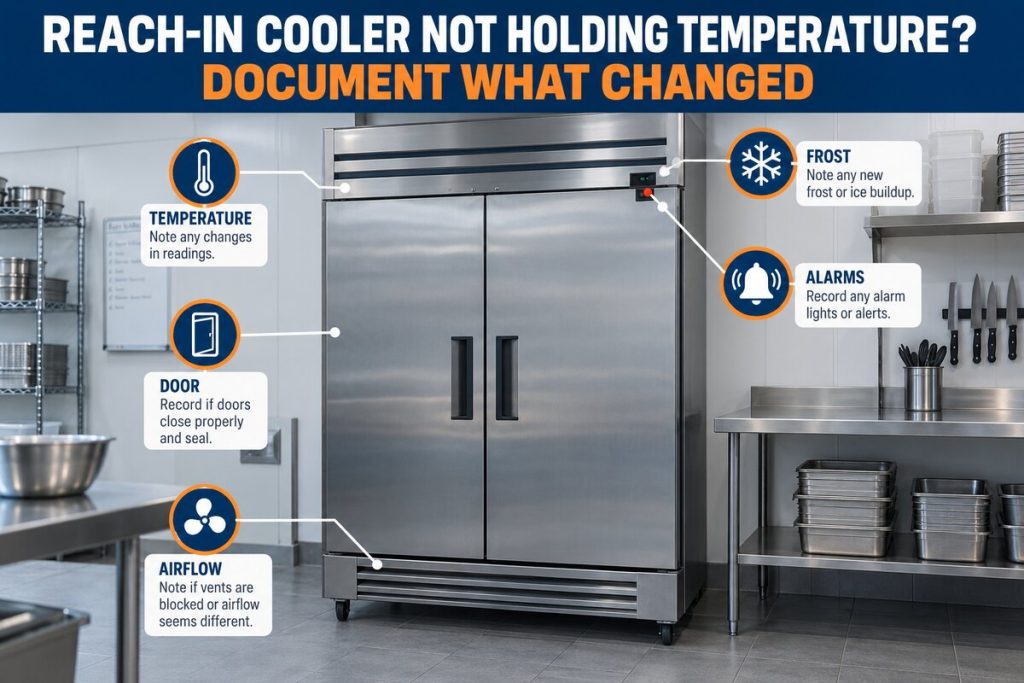
Need to document the problem before requesting service? Record the controller, independent air and product readings, along with recent loading and door activity. Then call (480) 478-2616 so the technician has a clearer temperature history. For persistent temperature drift, contact Discount AC & Refrigeration at (480) 478-2616.