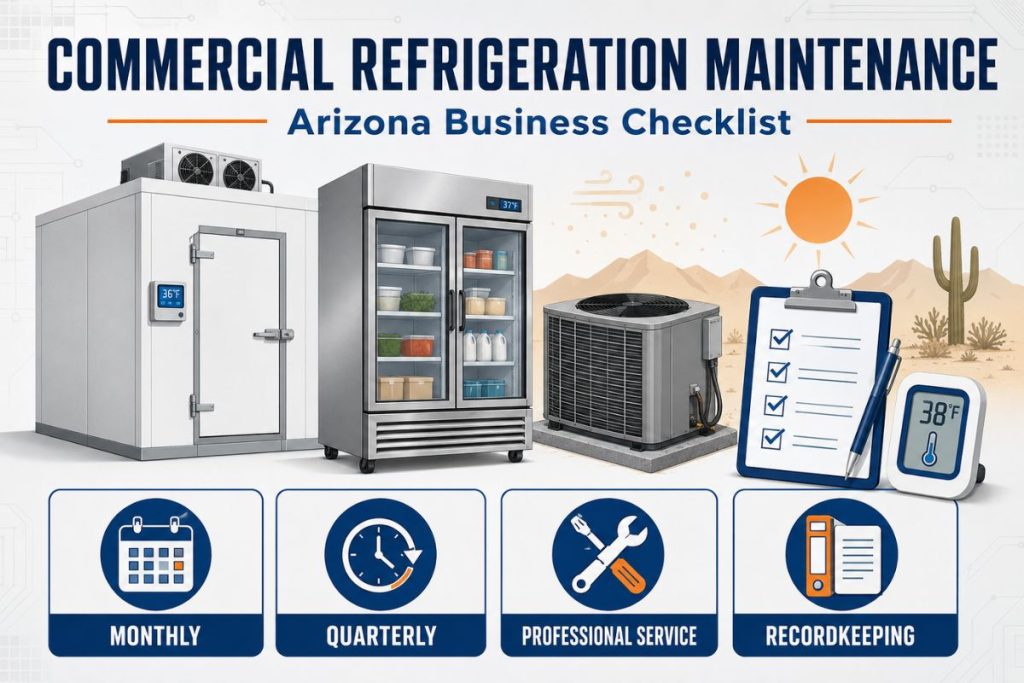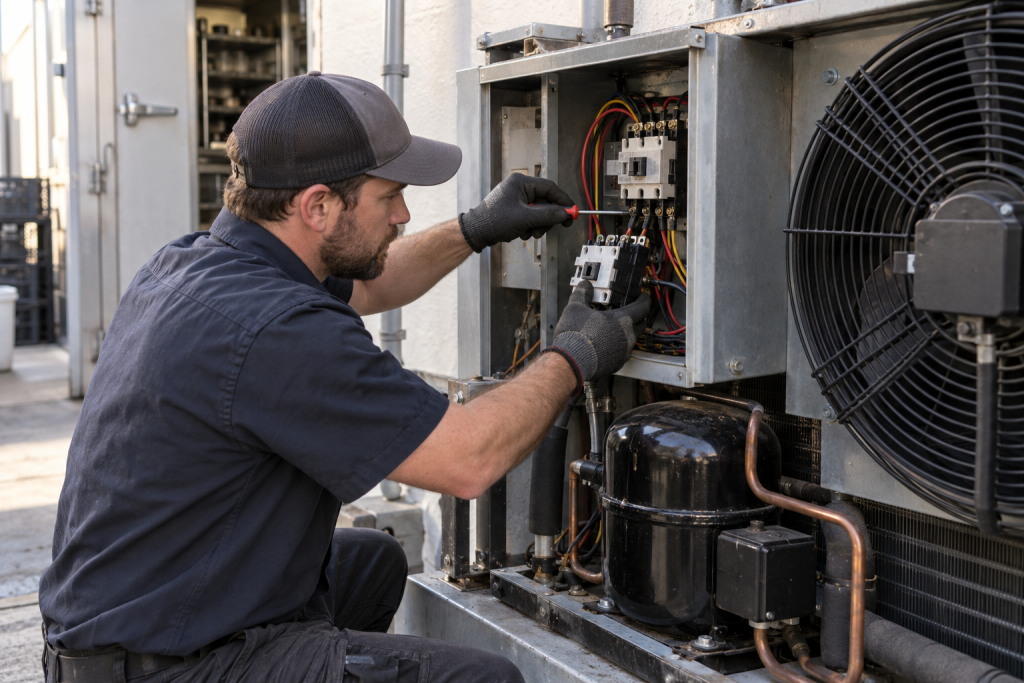
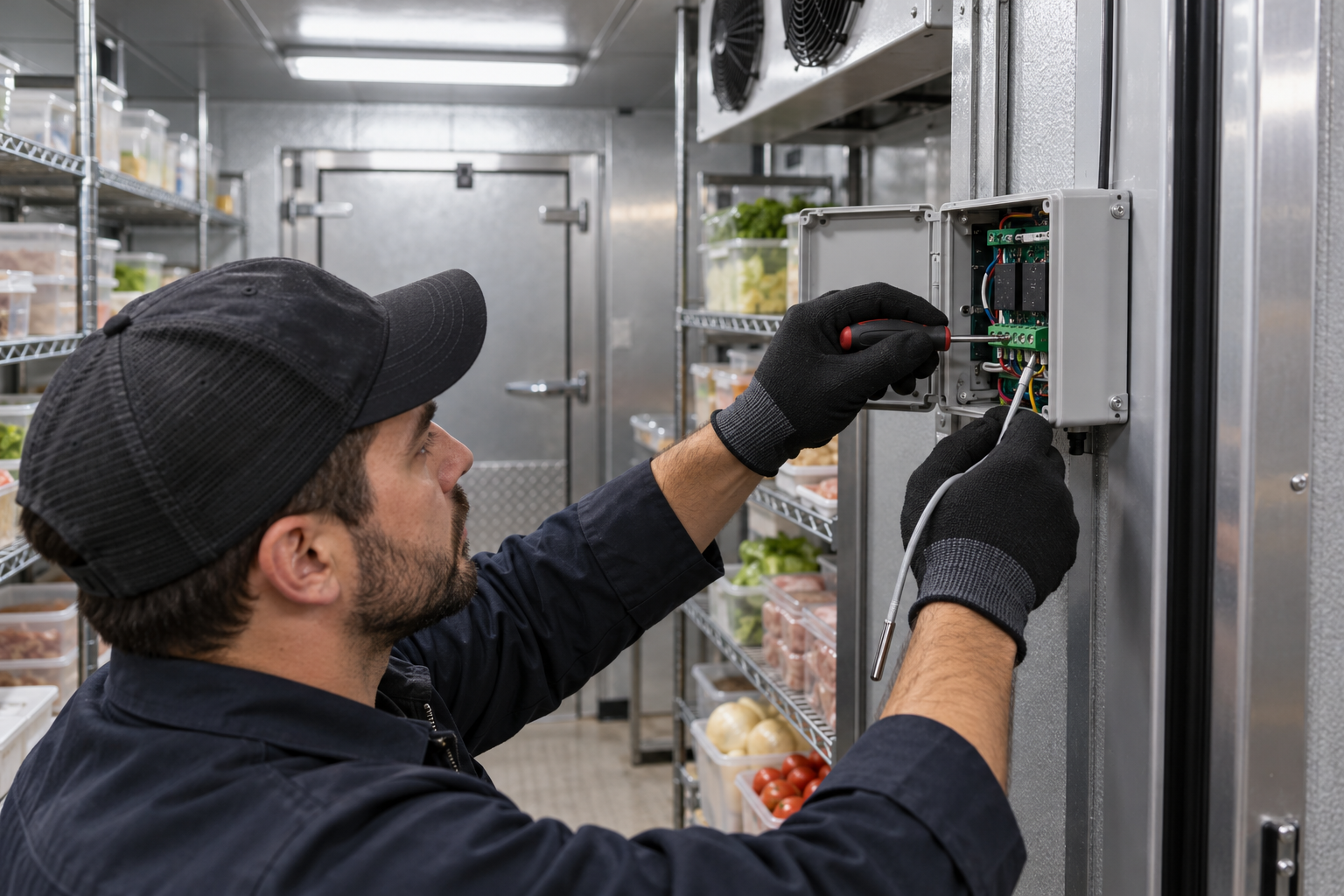
Walk-in cooler temperature alarms help a restaurant detect costly cooling problems before they become prolonged temperature excursions. A large restaurant refrigerator can seem healthy during a quick glance while a shelf of food has spent hours above its intended holding temperature. A walk-in cooler alarm helps, but only when the sensor, threshold, delay and response plan match the way the kitchen actually operates. This guide focuses on monitoring and staff decisions, not on diagnosing or repairing the refrigeration circuit. When alarms keep repeating, walk-in cooler repair in Phoenix can confirm whether the cause is the sensor or the refrigeration system.
Why a single display reading is not enough
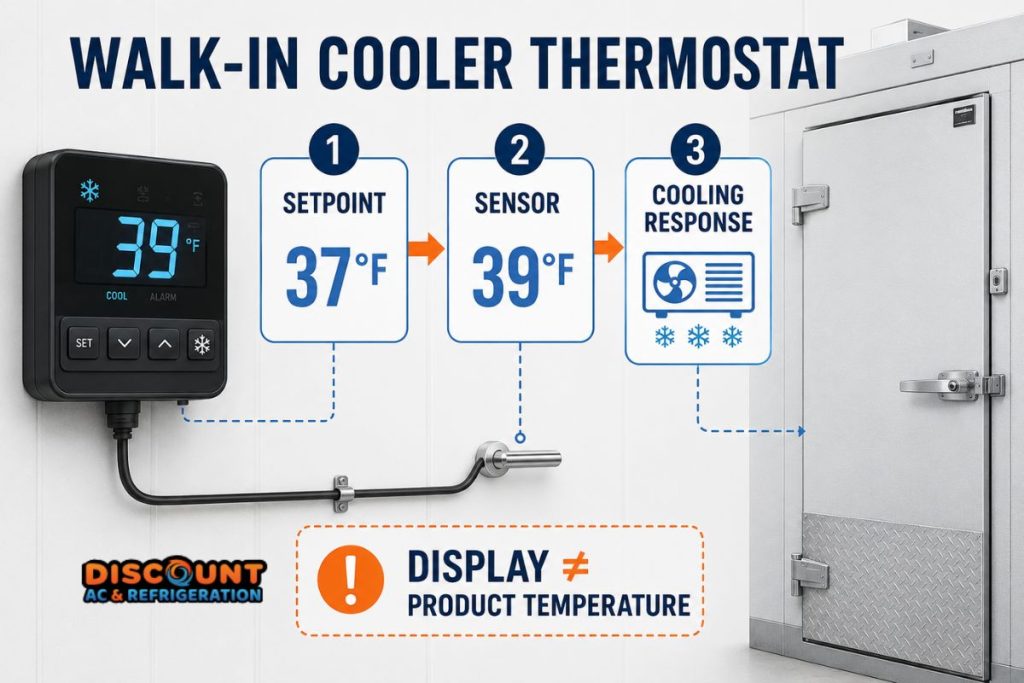
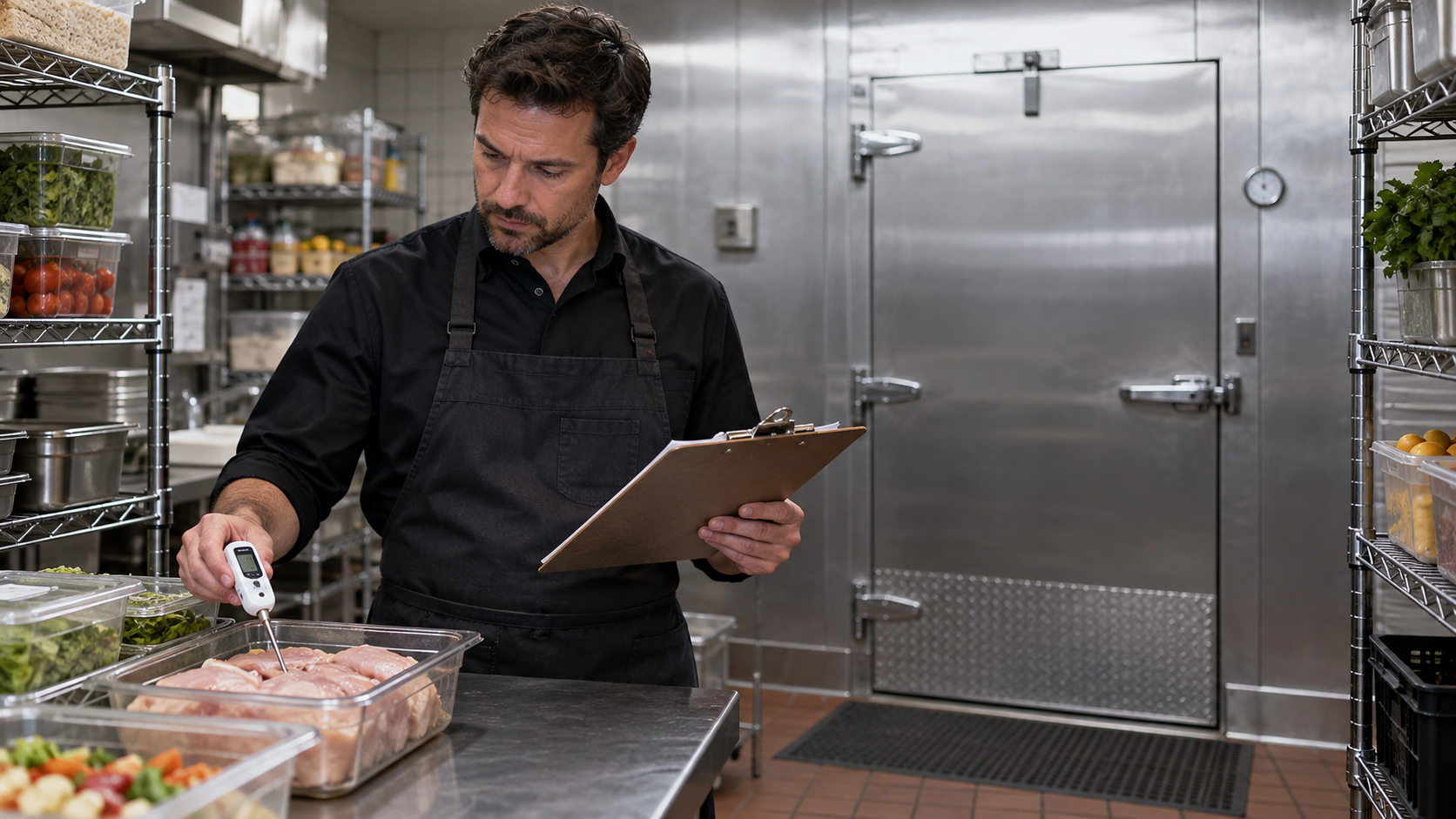
The number on a walk-in controller usually represents the temperature at one sensor. It does not prove that every product on every shelf is at that temperature. A door held open for deliveries, tightly packed shelving, an evaporator fan that is not moving air, or warm food placed inside can create different conditions within the same room. Staff should compare the display with an independent, calibrated thermometer and record product temperatures when a safety decision is needed.
For food service, consult your local health authority and your written food-safety plan. The FDA Food Code uses 41°F or below as the cold-holding limit for many time/temperature control for safety foods; individual products and operations may have additional requirements. The room setpoint should not be confused with a verified food temperature. See the FDA Food Code for the regulatory model and follow the rules that apply to your establishment.
Build a useful walk-in cooler temperature alarms setup
Place sensors where the reading represents the room
A probe beside the evaporator discharge may report unusually cold air; a probe beside the door may overreact to every opening. Position and number of sensors depend on the walk-in layout, airflow and monitoring objective. For a large or busy restaurant cooler, a second observation point can reveal a warm area that one controller misses. Ask a refrigeration professional to validate placement without blocking airflow or damaging panels.
Record trends, not only snapshots
A digital logger with time-stamped history can show whether a temperature rise lasted two minutes during a delivery or continued through the night. Look for a repeating pattern: spikes at opening, slower recovery after lunch, or a steady overnight climb. Preserve timestamps, door activity and product-temperature checks together. This evidence helps staff make appropriate food-safety decisions and gives a technician a better starting point than “it was warm yesterday.”
Set alert thresholds and delays deliberately
For walk-in cooler temperature alarms, an alarm threshold should be based on the foods stored, the normal temperature range, sensor accuracy and the response time available. A brief, expected door opening should not create the same escalation as a sustained rise. Conversely, a long delay can hide a real failure. A qualified technician and the restaurant’s food-safety lead should agree on the warning and critical thresholds, the delay for each, and who receives the notification. Document those settings; do not silently change them to stop nuisance alerts.
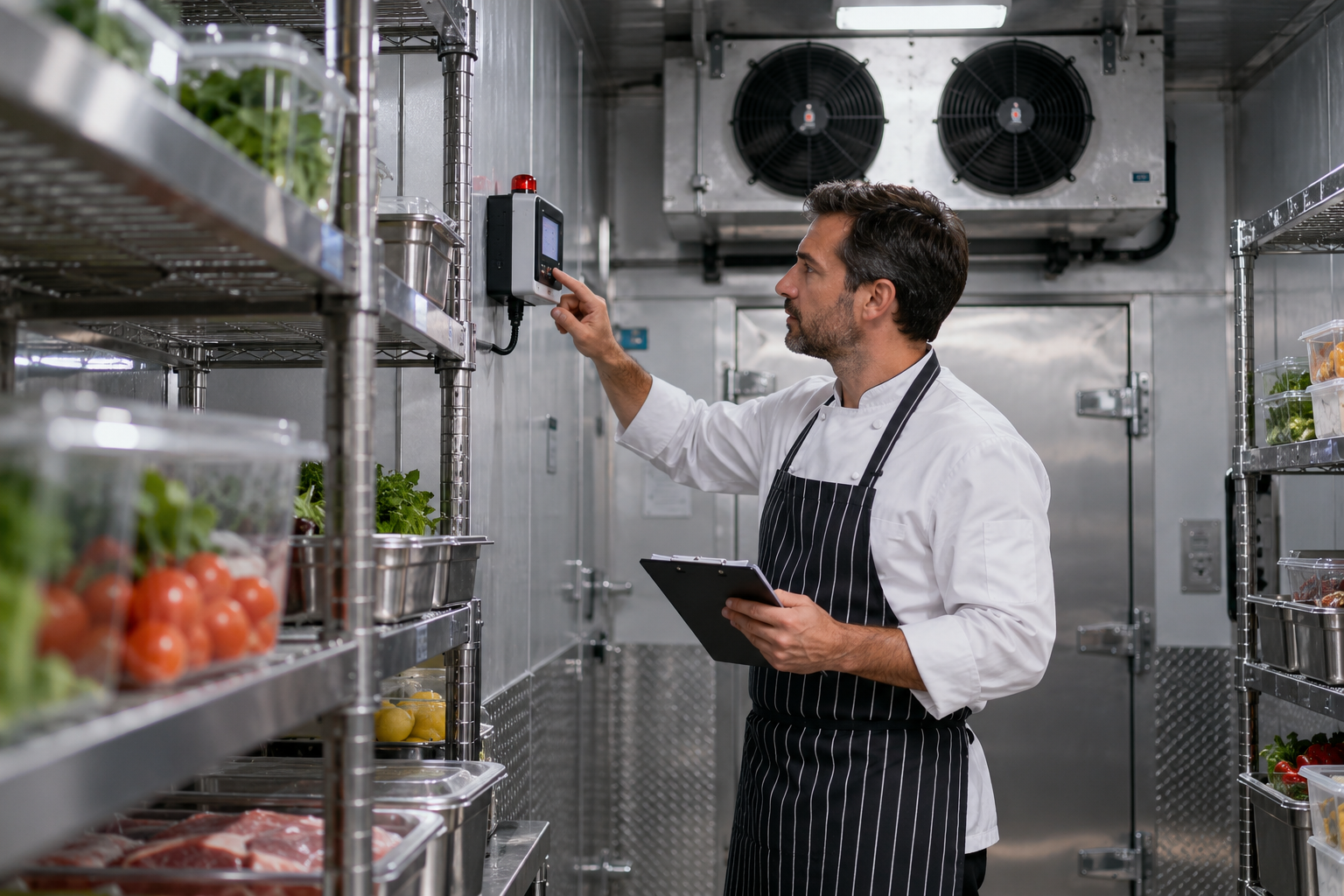
What a restaurant team should do when an alarm sounds
- Confirm the reading. Check the controller and an independent thermometer; record time and temperature. Do not assume the sensor is wrong.
- Check simple visible causes. Is the door shut? Is a delivery holding it open? Are cartons blocking the air path? Avoid opening electrical panels or handling refrigerant equipment.
- Protect food and document exposure. Measure representative food temperatures using the approved method in your food-safety plan. Move at-risk stock to verified cold storage if necessary and feasible. If safety is uncertain, follow your health authority and company discard procedures; never rely on smell or appearance.
- Escalate promptly. Contact the manager and a commercial refrigeration technician if temperature does not recover, the alarm repeats, or the unit shows abnormal noise, ice or water. Keep the logs and a list of affected stock.
Monitoring is an early-warning system, not permission to keep serving food outside safe holding conditions. A refrigerator that recovers after a reset may still have an intermittent problem. For professional inspection, see Discount AC & Refrigeration’s commercial refrigeration service.
Make the alert actionable after hours
Walk-in cooler temperature alarms that only beep inside an empty kitchen is not a response plan. Designate a primary and backup contact, define how quickly each person must acknowledge an alert, and decide when to call for service. Test phone, email or monitoring-platform notifications before a weekend or holiday. If the network or power goes down, know whether the logger continues to collect data and whether alerts will resume when service returns. Keep the escalation list current whenever staff roles change.
For restaurants with more than one walk-in or satellite storage room, name each sensor clearly. “Freezer 2, back room” is more actionable than “Sensor 04.” Keep the service number, equipment model, location and access instructions beside the response checklist. A shift manager should not have to discover these details during a late-night temperature excursion.
When to involve a refrigeration technician
When walk-in cooler temperature alarms recur, call for diagnosis if the temperature trend climbs despite a closed door, recovery gets progressively slower, alarms recur at the same time daily, or the controller reading and independent checks disagree significantly. The cause may involve sensor calibration, door hardware, controls, airflow or the refrigeration system; the alarm alone does not identify it. A technician can compare actual temperatures, review operating data and inspect the system safely. Restaurant staff should avoid bypassing alarms, repeatedly resetting breakers or changing setpoints to force a short-term reading.
A practical daily log
Pair walk-in cooler temperature alarms with a one-page log that includes date, shift, room identifier, controller reading, independent thermometer reading, representative product check when required, door or delivery notes, alarm start and end times, action taken and manager sign-off. Review trends weekly. If a sudden change follows a delivery schedule, kitchen renovation or stocking change, capture that context for the service visit. This distinguishes operational load from an equipment fault without guessing.
Seven checks that make alarms dependable
1. Identify which sensor drives each alert
Label every sensor on a floor plan and in the monitoring dashboard. Record whether it reads return air, supply air or a representative area of the cooler. A manager who sees a high-temperature notification should know which compartment is affected without guessing. The controller’s built-in probe and an independent logger may disagree because they measure different places; the difference is a clue to investigate, not a reason to ignore either reading.
2. Confirm normal patterns before choosing a threshold
Collect a baseline across opening, lunch and closing shifts. Note deliveries, cleaning, stocking, staff traffic and defrost cycles. A threshold chosen from a single quiet overnight reading may produce unnecessary alerts during service, while one chosen from the warmest busy-hour spike may respond too late. Review the baseline with the restaurant’s food-safety lead and refrigeration contractor. Document the reason for the selected setting so a future manager can distinguish an intentional rule from an accidental change.
3. Separate warning from critical escalation
A warning can prompt the shift lead to close a door, check independent measurements and observe recovery. A critical alarm should move to the designated manager and service contact under the written plan. Keep acknowledgement and escalation times explicit. If no one accepts an alert, a backup person should receive it automatically. A second channel such as a phone call can help when push notifications are muted, but the plan must be tested with the actual staff devices.
4. Test the complete notification path
For walk-in cooler temperature alarms, a sensor that logs accurately does not guarantee a manager sees an alert. Test a safe simulated alarm through the dashboard, network connection, messaging service and receiving phone. Confirm the alert identifies the correct cooler, the contact can acknowledge it, and the backup path works. Repeat after changing internet service, phones, shifts or monitoring subscriptions. Record the test date and result. Do not disable an alarm for routine cleaning without a documented temporary watch and reactivation check.
5. Preserve evidence during an excursion
When an alert appears, record the first abnormal timestamp, the highest observed reading, the recovery time, relevant door activity and representative product checks. Preserve the raw trend if the platform allows export. Do not overwrite the event with a screenshot of only the current reading. A technician can use the timeline to test whether the issue is tied to door traffic, defrost, fan operation or a developing mechanical fault. The manager uses a separate food-safety procedure to decide what happens to stock.
6. Review false alarms without hiding real failures
Repeated walk-in cooler temperature alarms can cause staff to stop responding. Analyze why each one occurred: probe placement, damaged cable, intermittent network, a door that fails to latch, a process change or a legitimate temperature rise. Correct the cause and retest the alert. Simply raising the threshold or extending the delay may make the dashboard quieter while reducing protection. Keep a change log with the old and new values, approver and reason.
7. Include an outage and handoff plan
The reliability of walk-in cooler temperature alarms depends on monitoring devices that may rely on building power, batteries, a local gateway and internet service. Ask which parts continue recording during a power failure and whether alerts are delivered after connectivity returns. Place a printed response sheet where opening and closing teams can find it. During shift change, hand off unresolved alarms, product movements and service calls in writing. A dashboard is useful only if a person owns the next step.
Walk-in cooler temperature alarms: a manager’s weekly review
Set aside a short weekly review rather than waiting for the next emergency. Compare trends from the same operating periods, identify any increase in recovery time, inspect the alert history for unacknowledged events and confirm the current contact roster. Check that shelves are not obstructing airflow and that the door closes and latches without force. Note recurring water, frost or unusual noise for a technician; staff should not attempt electrical or refrigerant repairs. This review connects monitoring data with the physical condition of the room.
When one location has multiple coolers, compare them carefully. Different food loads, door schedules and equipment sizes mean their curves will not be identical. Focus on a change from each unit’s established baseline. A cooler that takes longer to recover over several weeks deserves attention even if it has not crossed an alarm threshold. Bring that history to a service appointment so the inspection is based on evidence, not a single snapshot.
What to ask a monitoring provider or refrigeration contractor
Before buying a logger or altering controls, ask about sensor accuracy, calibration procedure, log retention, alert delivery during internet outages, who owns the data, and how a failed probe is reported. Ask whether staff can export time-stamped records and whether a technician can see events before a service visit. Make sure the interface distinguishes a high-temperature event from a communication failure. One can require a food-safety response; the other requires restoring visibility into the room.
For an existing system, request a demonstration using your actual cooler names and staff phones. Confirm the warning threshold, critical threshold, delay, recipients and backup contact on a written handover. Keep access credentials under company control and remove departed staff from the alert list. These steps do not replace inspections or food-temperature checks, but they make walk-in cooler temperature alarms more likely to produce timely, useful action.
How to evaluate a month of monitoring data
A monthly review should separate routine operating events from exceptions. Group alerts by cooler, shift and apparent trigger. Compare the duration of each event and the time staff took to acknowledge it. A growing number of short alerts during deliveries can suggest changed door practices; a smaller number of long overnight events can be more urgent. Neither pattern alone diagnoses the equipment. Bring the logs, recent stock changes and service history to a technician rather than assuming the alarm device or compressor is at fault.
Look at the quality of documentation as well as the numbers. Could another manager reconstruct what happened from the record? Are product checks distinguished from air readings? Is the person who made the disposition decision identified? If the answer is no, improve the form and train staff before the next event. Clear records protect operational continuity and help the service provider target a real pattern. Keep records according to your company policy and applicable local requirements.
Questions to resolve before a restaurant expands
Adding a second kitchen, catering line or larger delivery schedule changes the way a cooler is used. Walk-in cooler temperature alarms should be reviewed whenever the door traffic, shelving, product load or staffing pattern changes materially. Ask whether the existing sensor still represents the most useful location, whether the notification roster covers new shift hours and whether one logger can identify which room is affected. A copied configuration from another store is a starting point for review, not proof that the new room is protected.
Plan for service access as well. Record the cooler’s make, model, serial number and installation location; keep a safe route to the equipment. If a technician arrives after hours, the contact should know who can authorize entry and where historical logs are stored. This reduces avoidable delay during an event while keeping food disposition with trained restaurant staff and the applicable authority.
When reviewing walk-in cooler temperature alarms, assign an owner and a due date for every open issue. Recheck the alarm after any repair or sensor move, and compare the next week of readings with the earlier baseline. If the same pattern returns, send the technician the updated log rather than assuming the prior repair failed for the same reason. The most reliable program pairs clear thresholds with trained people, independent measurements and a documented response. That combination is more useful than a dashboard score or a notification that nobody follows. A quarterly review with the food-safety lead and refrigeration contractor can reveal whether the alert thresholds still fit the restaurant’s operating pattern.
Frequently Asked Questions
Is a walk-in cooler alarm enough to prove food is safe?
No. An alarm measures at a sensor. Food safety decisions require the applicable food-temperature checks, time history and your local rules.
Should every door opening trigger a service call?
No. Brief, expected fluctuations can occur. A sustained rise, repeated alarms or failure to recover warrants investigation under your documented response plan.
Can staff simply lower the thermostat after an alarm?
Changing the setpoint may mask the pattern and does not establish safe product temperatures. Record the event and find the cause.
Where should a restaurant place the temperature sensor?
Placement depends on room layout and airflow. Avoid a location that represents only the cold discharge or a frequently opened doorway; have a professional validate it.
What information helps a technician most?
Time-stamped trends, setpoint, independent readings, door activity, product loads, alarm duration, equipment model and recent service history.
Need help with a large restaurant refrigerator?
Discount AC & Refrigeration can assess walk-in cooler performance, controls and recurring temperature alarms. Call (480) 478-2616 to discuss the equipment and the recorded trend. Keep food-safety decisions with your responsible manager and health authority.